"Forward this to 10 people or you will have bad luck." "Government giving free laptops to all students, register here." "Drinking hot water with lemon cures every disease." "Breaking: banks closed for 7 days!" Every day, Indian WhatsApp groups and social media feeds fill with messages like these. Some are harmless, many are wrong, and some cause real damage: panic buying, wasted money, health risks, communal tension and even violence. This is Part 38 of our Tech for Beginners series. Today we will learn why misinformation spreads, the warning signs of a fake forward or edited image, and how to check a claim in a few minutes using reverse image search, fact-check websites and PIB Fact Check.
The search skills from Part 17 on searching smarter and judging reliable websites are the foundation of fact-checking. Opening links safely in a browser, covered in Part 16, also helps. And remember that many "free scheme" forwards are really the scams from Part 25.
A note on changes: fact-checking tools and websites change their features and addresses over time. Contact details for PIB Fact Check given here are from PIB's own website when we checked; confirm on pib.gov.in if they stop working.
What is misinformation?
- Misinformation: false information shared by people who believe it is true. Your aunt forwarding a wrong health tip is an example.
- Disinformation: false information created on purpose to mislead, to make money, influence opinion or cause harm.
- Misleading content: real photos or videos shared with a false description, such as an old flood video presented as today's news.
Why fake news spreads so fast
- Emotion: messages that make us angry, scared or proud are shared quickly, before we think.
- Trust in the sender: we believe messages from family and friends, even though they are only forwarding something.
- Urgency: "Share before it is deleted!" pushes us to act fast.
- Looks official: fake government logos, letterheads and news channel graphics are easy to make.
- Good intentions: many people share health and safety warnings "just in case".
Warning signs of a fake forward
- No source: no link to a known news site or official website, or only "a friend in the police said".
- "Forwarded many times" label on WhatsApp.
- Too good to be true: free recharges, free laptops, cash for every citizen.
- Urgent or fearful tone: lots of capital letters, exclamation marks and warnings.
- Spelling and grammar mistakes in a message that claims to be from a government department or bank.
- Asks you to forward to many people or groups.
- Miracle cures or claims that doctors "do not want you to know".
- Old dates or no date at all.
- Links to strange website addresses, not the official .gov.in or a well-known news site.
Signs of an edited or misleading image or video
- Odd shadows, blurry edges around a person, or text that looks pasted on.
- A photo that seems "too perfect" or dramatic.
- Weather, clothes, signboards or vehicles that do not match the place or time claimed.
- A video that is cut very short, with no beginning or end, so you cannot see the full context.
- Faces or voices that look or sound slightly unnatural; AI-made deepfakes are covered in Part 43.
Common types of fake forwards in India
- Fake government schemes: "PM scheme gives ₹5,000 to every woman, register at this link". These often collect personal details or lead to payment scams.
- Fake job and exam notices: made-up recruitment drives, fake exam dates or "leaked" papers.
- Fake holiday and closure news: "schools closed tomorrow" or "banks shut for a week", often using old notices.
- Fake currency claims: messages claiming certain notes or coins are no longer valid. Check the Reserve Bank of India website.
- Child kidnapper and crime alerts: old or foreign videos shared with false local captions, which have led to innocent people being attacked.
- Fake celebrity endorsements: famous faces "recommending" an investment app or a medicine.
- Fake disaster videos: old floods, earthquakes or accidents presented as happening today.
Check the website address carefully
Fake news often links to websites designed to look like real news sites or government portals. Before you trust a link:
- Read the full web address. Official Indian government sites usually end in .gov.in or .nic.in.
- Watch for small changes, such as extra words, hyphens or misspellings of a known name.
- Check whether the site has an "About us" page, a real address and other recent stories.
- Never enter Aadhaar, bank or OTP details on a site you reached from a forward.
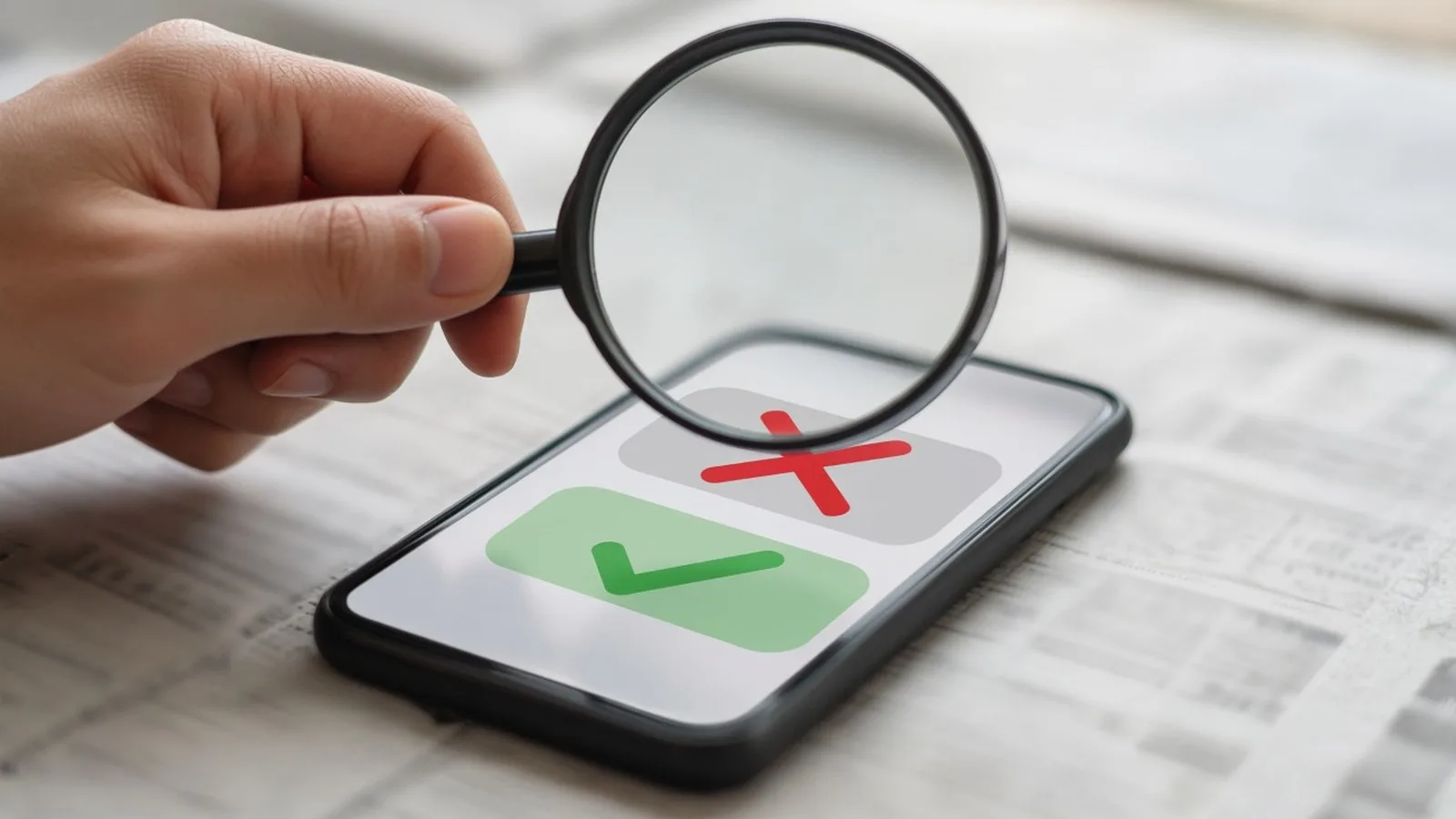
The simple fact-check routine: Stop, Check, Decide
1. Stop
Do not forward immediately. Ask yourself: Who made this? How do they know? What do they want me to do?
2. Check
Spend two or three minutes using the methods below.
3. Decide
If you cannot confirm it from a reliable source, do not forward it. Silence is always safer than spreading something false.
Method 1: Search the claim
- Copy a few key words from the message, for example "free laptop scheme students 2026".
- Paste them into Google or another search engine.
- Look for results from well-known news organisations and official websites ending in .gov.in or .nic.in.
- Add the words "fact check" or "fake" to your search. If the claim has been checked, you will often find it.
Google's Fact Check Explorer (search for it by name) lets you search fact-checks published by many organisations.
Method 2: Reverse image search
A reverse image search shows where else a photo has appeared online. Often you will discover that a "today" photo is years old or from another country.
On a phone
- Save the image from WhatsApp to your gallery.
- Open the Google app or Google Lens and tap the camera (Lens) icon.
- Choose the image. Tap the option to find image source or look at the visual matches.
- Look at the earliest dates and the original descriptions.
On a computer
Go to images.google.com, click the camera icon and upload the image. Other tools such as TinEye or Bing Visual Search work in a similar way.
For videos
Take a clear screenshot of an important frame of the video and do a reverse image search on that screenshot.
Method 3: Use fact-check websites
Several Indian organisations check viral claims and publish what they find, often in Hindi and other Indian languages. Well-known ones include BOOM, Factly, Alt News and Vishvas News, along with fact-check sections of many news organisations. Search their websites for the claim. No single source is perfect, so it helps when two or more reliable sources agree.
Method 4: PIB Fact Check for government claims
The PIB Fact Check Unit, part of the Press Information Bureau under the Ministry of Information and Broadcasting, checks claims about the Government of India: fake schemes, fake notices, fake job announcements and messages misusing ministry names. According to PIB, you can send a claim to:
- WhatsApp: +91 8799711259
- Email: [email protected]
- Website: factcheck.pib.gov.in
PIB Fact Check also posts its findings on its social media accounts, so you can search there for a claim. It only handles matters related to the central government. For state matters, check the official state government website or its verified social media accounts.
Health forwards need extra care
Wrong health advice can hurt people. Never stop medicines or start a home cure because of a forward. Check with your doctor, and look for information on trusted sources such as the Ministry of Health and Family Welfare website or the World Health Organization.
What to do when family members share fake news
- Be kind: they usually shared it with good intentions.
- Reply privately with the fact-check link instead of embarrassing them in the group.
- Explain the method, not just the answer, so they can check next time.
- Thank them when they check before sharing.
If a message spreads hate or could lead to violence, do not forward it. You can report it within WhatsApp or the social media app, and to the police if it threatens public safety.
Frequently asked questions
Is everything on news channels and websites true?
Not always. Even reputable news outlets sometimes make mistakes, and they usually publish corrections. Compare several reliable sources for important news.
The message came from a doctor friend. Should I trust it?
Check whether your friend actually wrote it or only forwarded it. Many forwards falsely use the names of doctors, hospitals or famous people.
Can I get in trouble for forwarding fake news?
Spreading false information that causes harm, panic or hatred can have legal consequences. The safest rule is simple: if you are not sure it is true, do not forward it.
What if I already forwarded something false?
Send a short follow-up in the same chat or group saying it was not true, with the fact-check link. Correcting yourself helps others and sets a good example.
What is next
Try this today: pick one forward you received this week and check it using a search, a reverse image search or a fact-check site. In the next part of Tech for Beginners, we begin a new section on AI tools, starting with what AI chatbots are and how they work.