The phone rings. A serious voice says he is from a courier company: a parcel in your name has been stopped and contains drugs, fake passports or illegal items. Then the call is "transferred" to a police officer, a CBI official or a customs officer, now on a video call, sitting in what looks like a police station. You are told you are under "digital arrest", must stay on camera, must not tell anyone, and must transfer money to "verify" your accounts. This is one of the most frightening frauds in India today, and it is entirely fake. This is Part 26 of our Tech for Beginners series. Today we will explain how digital arrest, fake KYC and other impersonation calls work, why they are always frauds, and exactly what to do.
In Part 25 we covered common online scams and a red-flag checklist. For more on how these fraud gangs operate, read our guide to financial scams and digital arrest. To recognise suspicious calls on your phone, revisit Part 7 on calls, SMS and contacts.
A note on changes: fraudsters keep changing the agencies and stories they use. The patterns and the safe steps below remain the same.
The most important fact: there is no such thing as "digital arrest"
Indian law has no procedure called "digital arrest". The Government of India, including the Ministry of Home Affairs' cyber crime coordination centre, has repeatedly warned citizens that police, CBI, ED, customs, narcotics or any other agency do not arrest people over video calls, do not keep people under watch on Skype or WhatsApp, and do not ask for money to "clear" a case.
Remember these facts:
- Real investigations involve written notices, a visit by officers, or a summons you can verify. They do not happen on WhatsApp video.
- No real officer will ask you to transfer money to a "safe account", "RBI account" or "verification account".
- No real officer will tell you to keep the matter secret from your family or lawyer.
- Uniforms, ID cards, official-looking letters, police station backgrounds and even fake courtrooms can all be faked on a video call.
How a digital arrest scam usually works
- The hook: a call about a parcel, a SIM card misused for crime, a bank account linked to money laundering, or your Aadhaar being used in a case. Often it starts with a recorded voice: "Press 9 to speak to an officer".
- The scare: they know your name, sometimes your Aadhaar number or address, which makes the call feel real. This information often comes from data leaks.
- The transfer: you are passed to a "senior officer" on a video call.
- The isolation: you are told not to disconnect, not to tell anyone, and to stay in a room alone. Some victims are kept on camera for hours or days.
- The payment: you are told to move your savings, fixed deposits or even take a loan, and transfer the money to "verify" it is legal, with a promise it will be returned.
- The disappearance: once the money is sent, the "officers" vanish.
Warning signs during the call
If you hear any of these lines, you are talking to a fraudster:
- "Do not disconnect this call, or we will issue an arrest warrant."
- "Switch on your camera and stay in the room. Do not open the door to anyone."
- "This is a confidential national security case. Do not tell your family."
- "Transfer your money to this account for RBI verification. It will be returned in a few hours."
- "Install this app so our team can check your phone."
- "Go to your bank and tell them you are moving money for a family function," or any other cover story they ask you to repeat.
Fraudsters may also play background sounds of a police station, use real officers' names, and send fake arrest warrants with seals and signatures. None of this changes the basic truth: genuine officers do not work this way.
Fake KYC calls and messages
KYC means "Know Your Customer", the identity check banks, telecom companies and wallets do. Fraudsters use it as an excuse:
- "Your bank account will be blocked today. Update your KYC by clicking this link."
- "Your SIM card will be deactivated in 24 hours due to incomplete KYC. Call this number."
- "Your PAN is not linked; your account will be frozen."
The link leads to a fake bank page that steals your login and OTP, or the caller asks you to install a screen-sharing app.
How to handle KYC messages safely
- Do not click links or call numbers in the message.
- Open your bank's or telecom provider's official app yourself, or call the number printed on your passbook, card or bill.
- Ask whether any KYC update is really pending. If it is, the bank will tell you the official way, often at the branch, through its app or by a self-declaration.
- Never share an OTP, PIN or password with a caller, even if they say it is for KYC.
Other impersonation calls
- Telecom or TRAI calls: "Your number will be disconnected because it was used for illegal activity." TRAI has publicly stated that it does not call customers to disconnect numbers. Disconnections are handled by your telecom operator, not by calls threatening arrest.
- Bank "fraud department" calls: "There is a suspicious transaction on your card; tell me the OTP to block it." Blocking a card never needs you to share an OTP.
- Income tax or customs refund calls: "Pay a small fee to release your refund."
- Electricity, gas or insurance calls: covered in Part 25.
- Family emergency calls: "Your son has been arrested / had an accident; send money now." Some fraudsters use AI-cloned voices. Hang up and call your family member directly.
Exactly what to do if you get such a call
The government's awareness message puts it simply: Stop, Think, Take Action.
- Stop. Do not panic. Do not share any personal or bank details. Do not transfer money.
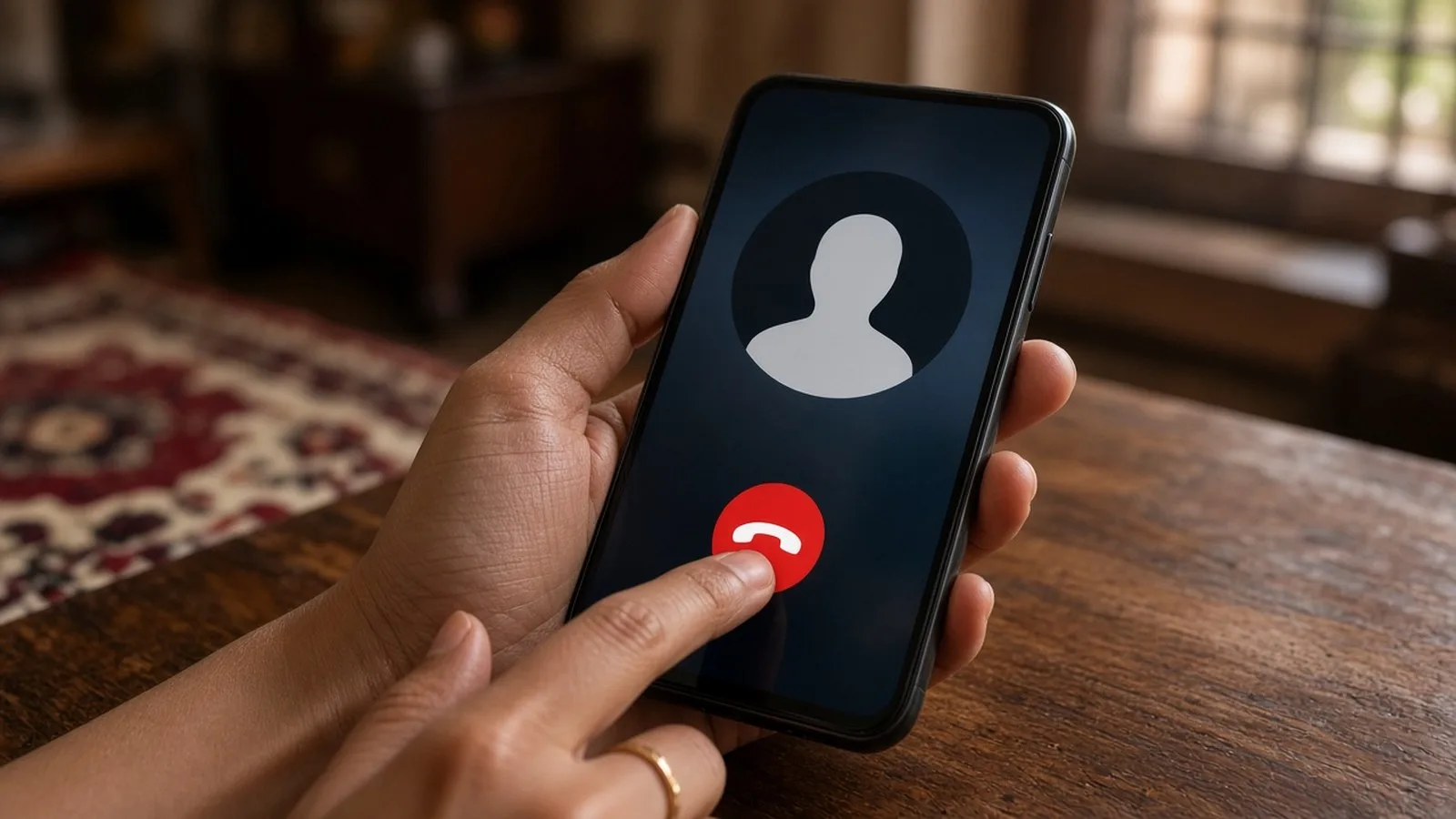
- Disconnect the call. You do not need anyone's permission to hang up. A real officer will not be offended.
- Think. Ask yourself: would a real officer arrest me on a video call? Would they ask for money? The answer is always no.
- Talk to someone you trust, a family member, a friend or a lawyer, right away. Fraudsters depend on you staying alone.
- Verify independently if you are worried. Visit your nearest police station in person, or call the official police number (112 for emergencies).
- Take action: report the call. If you have not lost money, report the number through the Chakshu facility on the Sanchar Saathi portal or app. If you have lost money, call 1930 or report at cybercrime.gov.in immediately, and inform your bank.
- Block the number on your phone and in WhatsApp.
If you have already sent money
- Call 1930 at once. Quick reporting gives the best chance of freezing the money in the receiving accounts.
- Call your bank's official helpline and ask them to stop or flag the transactions.
- File a complaint on cybercrime.gov.in with details: phone numbers, video call IDs, account numbers, UTR numbers and screenshots.
- Visit your local police station or cyber cell with copies of the complaint.
- Do not pay anyone who calls promising to "recover" your money for a fee. That is often a second scam.
Reduce the information fraudsters can use
- Share a masked Aadhaar instead of the full number where possible (we will show how in Part 29).
- Do not post your phone number, address, travel plans or family details publicly on social media.
- Do not answer surveys or "verification" calls that ask for personal details.
- Use your phone's spam filter and caller ID features, and turn on "Silence unknown callers" if it suits you.
Help older family members
Retired people with savings are frequent targets of digital arrest scams. Sit with your parents or grandparents and explain this simple rule: "Police never arrest anyone on a video call and never ask for money. If anyone says so, put the phone down and call me." Write 1930 and a family member's number on a card near their phone.
Frequently asked questions
The caller knew my Aadhaar number and address. Does that mean it is real?
No. Such details are often available from data leaks or old documents. Knowing your details does not make someone an officer.
Can police send notices on WhatsApp?
Rules on how notices are served can vary, but no genuine notice will demand money transfers, secrecy or that you stay on a video call. If you receive anything that looks official, verify it at your local police station in person.
What if they threaten to arrest me if I hang up?
Hang up anyway. The threat is part of the scam. A genuine case does not disappear because you ended a phone call.
What is next
Try this today: tell two family members, "There is no digital arrest. Police never ask for money on a video call." In the next part of Tech for Beginners, we will cover phishing links, malware and fake apps, and how to protect your phone with Play Protect and updates.