Smartwatches and fitness bands have become one of India's most popular gadgets, with options from under ₹1,500 to well over ₹40,000. People buy them to count steps, track sleep, see WhatsApp notifications on their wrist, or keep an eye on their heart rate. Many children gift one to their parents for health monitoring. But what do these devices really measure, how accurate are they, and what happens to all that health data? This is Part 53 of our Tech for Beginners series. Today we will explain what wearables track and how reliable those numbers are, how to pair one with your phone, how to get better battery life, how to protect your health data, and why a smartwatch is not a medical device.
Wearables connect to your phone over Bluetooth, which we explained in Part 13, and are managed through a companion app, so the app safety tips from Part 5 apply here. Their batteries and charging habits follow the same principles as phones, covered in Part 6.
A note on changes: features, sensors, accuracy and approvals vary by brand and model, and companies regularly add or change health features through updates. Some health features are available only in certain countries. Nothing in this article is medical advice. If you have a health concern, please consult a qualified doctor.
Part A: Smartwatch or fitness band?
- Fitness band: slim and light, with a small screen. Focuses on steps, heart rate and sleep. Battery often lasts a week or more. Usually cheaper.
- Smartwatch: bigger screen, more apps and notifications, sometimes calling from the wrist, music control and payments. Battery may last from one day to a couple of weeks, depending on the model.
- Budget smartwatches: Indian brands like Noise, boAt, Fire-Boltt and others offer many features at low prices, though sensor accuracy and app quality vary.
- Premium watches: Apple Watch (works only with iPhone), Samsung Galaxy Watch, Google Pixel Watch, Garmin and others usually offer better sensors, apps and long-term updates.
Compatibility check
Before buying, check that the watch works with your phone. The Apple Watch needs an iPhone. Some Android watches work best with phones of the same brand. Most budget bands work with both Android and iPhone through their app.
Part B: What wearables track
Steps and activity
A motion sensor counts movements of your wrist to estimate steps, distance and calories. Step counts are usually reasonably good for walking, but can be fooled by arm movements like cooking or riding a bike on a bumpy road. Calorie estimates are rough guesses.
Heart rate
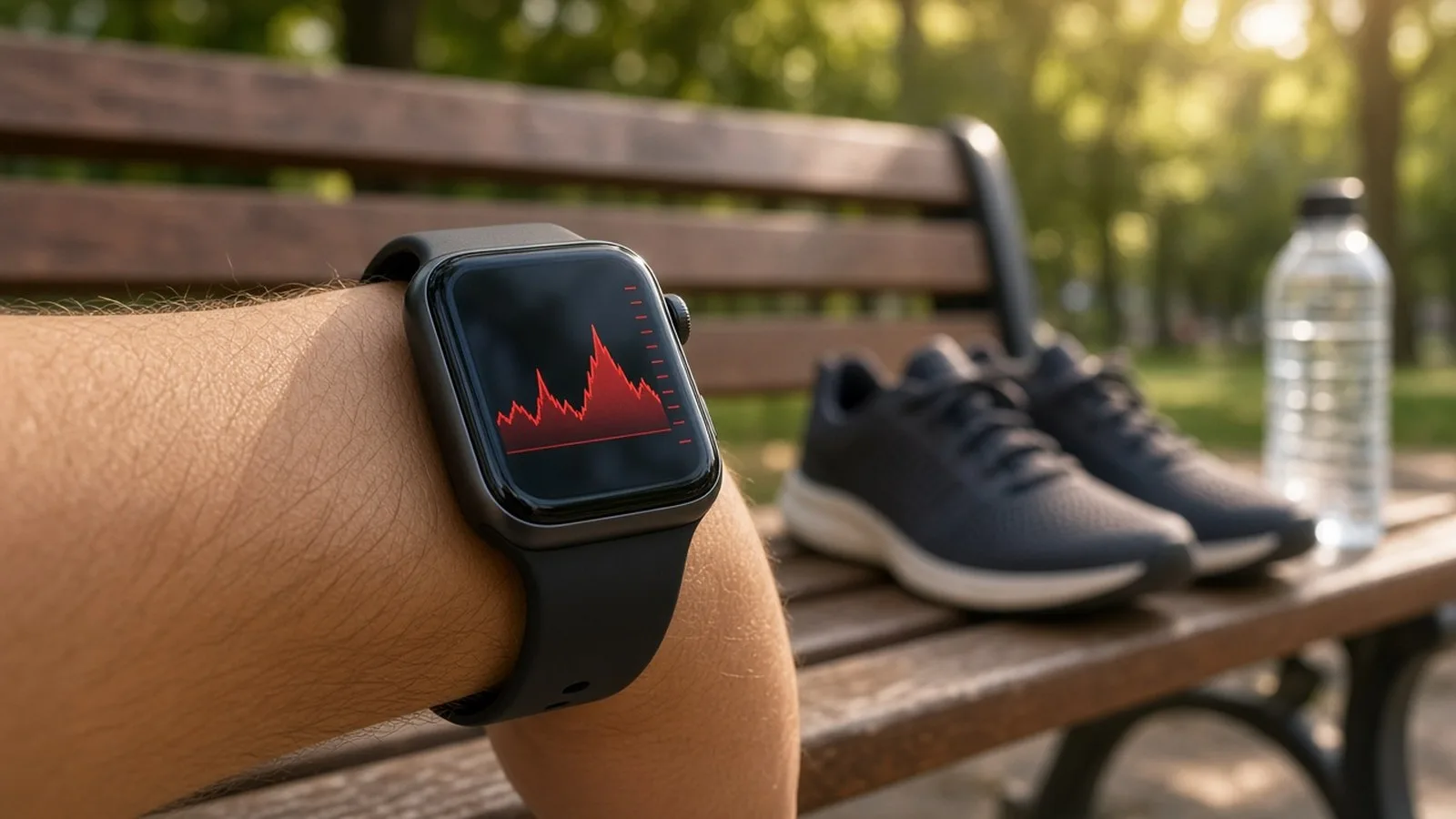
Green lights on the back of the watch measure blood flow under the skin to estimate heart rate. Readings at rest are often fairly close to reality, but can be less accurate during intense exercise, if the band is loose, or with tattoos or very cold skin.
Sleep
Watches use movement and heart rate to estimate when you fell asleep and your "sleep stages". Total sleep time is often a useful trend; detailed stages are estimates and should not be taken too seriously.
SpO2 (blood oxygen)
Many watches show blood oxygen. These readings can vary and are affected by movement, fit and skin. During the pandemic, many people learned that a fingertip pulse oximeter is generally a better tool for spot checks, and doctors use certified medical devices.
Other features
- ECG and irregular rhythm alerts: some premium watches offer them, with regulatory clearances in certain countries. Availability in India varies by model.
- Fall detection: some watches can detect a hard fall and call an emergency contact, useful for elderly users.
- Stress, skin temperature and cycle tracking: estimates based on sensors; useful for trends, not diagnosis.
- Blood pressure: some cheap watches claim to measure blood pressure without a cuff. Treat such numbers with great caution and use a proper BP monitor.
Part C: Not a medical device
Most smartwatches and bands are designed for general wellness and fitness, not for diagnosing illness. Remember:
- Do not change medicines or skip a doctor's visit based on a watch reading.
- A normal reading does not rule out a problem. If you feel chest pain, breathlessness, dizziness or other worrying symptoms, seek medical help immediately, whatever the watch says.
- An abnormal reading may be a sensor error. Re-check calmly, and consult a doctor if you are worried.
- For conditions like diabetes, high blood pressure or heart disease, use medical devices recommended by your doctor.
Wearables are best used for trends: Are you walking more this month? Is your resting heart rate going up? Are you sleeping later than before?
Part D: Pairing with your phone
- Charge the watch fully.
- Install the official companion app named in the box or manual, from the Play Store or App Store. Check the developer name to avoid copycat apps.
- Turn on Bluetooth on your phone.
- Open the app, create an account, and choose Add device or Pair. Do not pair from the phone's Bluetooth settings directly unless the manual says so.
- Confirm the pairing code shown on both screens.
- Allow only the permissions you need. Notifications access is needed to show messages on the watch; location is often needed for Bluetooth on Android and for GPS workouts.
- Enter your height, weight and age for better estimates. Set your wrist (left or right).
- Update the watch's firmware from the app.
Wear it right
Wear the watch a finger's width above your wrist bone, snug but comfortable. A loose watch gives poor heart rate readings.
Part E: Battery tips
- Turn off the always-on display if you do not need it.
- Reduce screen brightness or use auto-brightness.
- Limit notifications to important apps.
- Turn off continuous SpO2 or heart rate monitoring if you do not need it all day.
- Use GPS workouts only when needed; GPS uses a lot of power.
- Use the original charger or cable. Clean the charging contacts gently with a dry cloth.
Part F: Protecting your health data
Your heart rate, sleep and location history are sensitive personal data. India's Digital Personal Data Protection Act, 2023 gives people certain rights over personal data, with rules being phased in. Meanwhile, take these steps:
- Choose brands with a clear privacy policy that explains where data is stored and how it is used.
- In the app's privacy settings, turn off sharing of data for advertising or research if you do not want it.
- Be careful with social features that share your runs and routes publicly; they can reveal your home address and daily routine.
- Use a strong password for the companion app account.
- Set a screen lock PIN on smartwatches that support payments or show messages.
- Delete your data and unpair the device before selling or giving it away.
Part G: Useful features for elders
- Medicine and water reminders on the wrist.
- Large, simple watch faces with time and date in big digits.
- SOS or fall detection to alert family, on models that support it.
- Find my phone button that makes the phone ring.
- Calling from the wrist for those who struggle to hear phone rings.
Part H: Choosing your first wearable
Ask yourself a few questions before buying:
- What do I really want? If it is steps and sleep, a simple band is enough. If you want calls, apps and payments, look at smartwatches.
- Which phone do I use? Choose a watch that officially supports it.
- How often will I charge it? If daily charging annoys you, pick a model with longer battery life.
- Is the app good? Read reviews of the companion app in the Play Store or App Store, not just the watch.
- Is there service support? Check warranty terms and service centres in your city.
- Does the strap suit me? Silicone straps are good for exercise; consider sensitive skin, and clean the strap regularly to avoid rashes.
Part I: Using data to build healthy habits
The real value of a wearable is motivation. Set a realistic daily step goal, such as 6,000 steps, and increase it slowly. Use inactivity reminders to stand up and stretch every hour during desk work. Look at your weekly sleep trend and try to go to bed at a similar time each night. Celebrate small improvements rather than chasing perfect numbers. If you are starting a new exercise routine with a heart condition, diabetes or other health issues, speak to your doctor first.
Frequently asked questions
Is a ₹2,000 smartwatch good enough?
For steps, notifications and basic reminders, many budget models are fine. For more reliable sensors, longer software support and safety features like fall detection, consider a better-known premium brand.
Can I swim or shower with my watch?
Check the water resistance rating. A 5ATM rating usually allows swimming, while IP68 is generally fine for splashes and rain. Hot showers and saunas can still damage seals.
My watch shows low SpO2. Should I panic?
Re-check while sitting still with the watch snug. If readings stay low or you feel unwell, use a proper pulse oximeter and consult a doctor.
What is next
Try this today: open your wearable's app, update its firmware, review its privacy settings, and turn off any data sharing you do not need. In the next part of Tech for Beginners, we will learn basic phone troubleshooting for slow, hanging, overheating or non-charging phones.