You have probably seen "5G" on phone boxes, in operator ads and maybe in your phone's status bar. But what does 5G actually change for you, does your phone support it, and how do you turn it on? This is Part 12 of our Tech for Beginners series. Today we will explain the difference between 4G and 5G in plain words, what to expect in India, how to check whether your phone and SIM support 5G, and the steps to enable 5G on Android and iPhone.
Part 10 of this series covered mobile data plans and Part 11 covered Wi-Fi. If you are new to phone settings, Part 4: Home Screen, Notifications and Quick Settings shows how to find any setting quickly. Part 1 explains the status bar icons, including the network symbols you will see.
A note on changes: 5G coverage, plans and offers vary by operator, city and even neighbourhood, and they change often. Treat anything here about operators as general guidance and check your operator's official app or website for current details.
What is 4G and what is 5G?
The "G" stands for generation of mobile network technology. Each generation brought something new:
- 2G: voice calls and SMS, very slow data.
- 3G: usable mobile internet.
- 4G (LTE): fast enough for video streaming, video calls and apps. 4G made cheap mobile internet common across India, and calls on 4G often use VoLTE (voice over LTE).
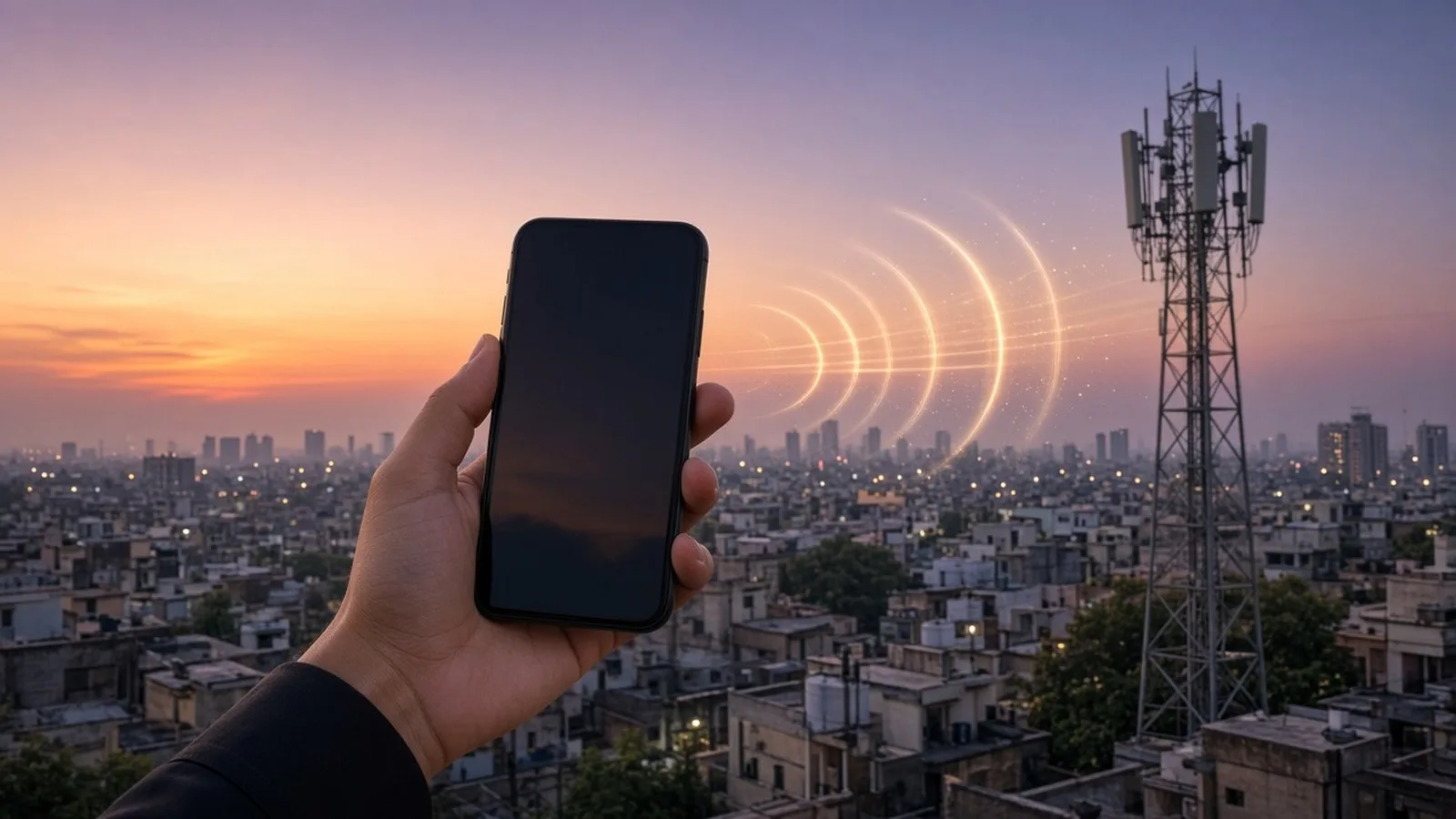
- 5G: the newest generation, designed for higher speeds, more capacity and lower delay.
5G services were launched in India on 1 October 2022, and rolled out in phases across cities and towns after that.
What 5G improves
- Higher speeds: in good coverage, 5G can be much faster than 4G, which helps with large downloads and high-quality video. Real speeds vary a lot by location, time of day, how many people are connected, and indoor or outdoor.
- More capacity: 5G can handle more users at once, which can help in crowded places like stations, malls and stadiums.
- Lower latency (delay): useful for video calls and online gaming.
What 5G does not change
- It does not make everyday tasks such as WhatsApp messages and UPI payments noticeably different. 4G already handles these well.
- It does not fix poor coverage indoors. 5G signals on higher frequencies can be weaker through walls.
- It does not automatically make calls clearer. Calls may still use 4G VoLTE depending on the network.
- It may use a bit more battery on some phones, especially where the signal is weak and the phone keeps switching between 4G and 5G.
5G in India: what to expect
- Operators: Jio and Airtel have the widest 5G rollouts. Vi has started 5G in some cities, and BSNL has announced 5G plans; check their official channels for current availability in your area.
- Coverage: varies by city and locality. You may get 5G on a main road but 4G inside your building.
- Plans: some operators offer 5G data as part of certain plans, sometimes described as "unlimited 5G", while others may require specific packs. These offers come with terms and can change at any time. Read the plan details in the official app before recharging.
- Same SIM: in most cases, your existing 4G SIM works on 5G; you usually do not need a new SIM. Confirm with your operator if 5G does not appear.
Step 1: Check if your phone supports 5G
- Look at the box or specifications. Phones that support 5G usually say "5G" in the model name or specifications. Search for your exact model on the brand's official website.
- Check the settings. If your phone has a 5G option in the preferred network type menu (shown below), it supports 5G.
- iPhone: iPhone 12 and later models support 5G. iPhone 11 and older do not. The iPhone SE (3rd generation) also supports 5G.
- Software updates: some phones needed a software update to enable 5G in India. Keep your phone updated (Settings, System, Software update, or Settings, General, Software Update on iPhone).
- Band support: 5G phones support different frequency bands. Most phones sold officially in India support the bands used here, but imported phones may not. Check with the brand if you bought your phone abroad.
Step 2: Check your SIM and plan
- Open your operator's official app (MyJio, Airtel Thanks, Vi or BSNL) and look for 5G information or eligible plans.
- Check whether your current plan includes 5G data.
- If you use two SIMs, note that only one SIM is used for mobile data at a time. Set the 5G-capable SIM as the data SIM (Part 7 covered dual SIM settings).
Step 3: Turn on 5G on Android
Menu names vary by brand. If you cannot find these, search Settings for "network type" or "5G".
- Open Settings.
- Tap Network & internet (on Samsung, Connections, then Mobile networks).
- Tap SIMs (or Mobile network) and choose the SIM you use for data.
- Tap Preferred network type (or Network mode).
- Choose an option that includes 5G, such as "5G (recommended)" or "5G/4G/3G/2G (auto connect)".
- Go back and check the status bar. When you are in 5G coverage, you should see 5G next to the signal bars.
If the 5G option does not appear, your phone or software version may not support 5G with your operator yet. Update your phone and check again, or contact the brand's support.
Step 3: Turn on 5G on iPhone
- Open Settings.
- Tap Mobile Service (called Mobile Data on some iOS versions).
- Tap Mobile Data Options. If you have two lines, first choose the line you want.
- Tap Voice & Data.
- Choose one:
- 5G Auto: uses 5G only when it will not noticeably reduce battery life. A good default.
- 5G On: always uses 5G when available. May use more battery.
- LTE: uses 4G only, even if 5G is available.
Apple notes that 5G needs a supported iPhone (iPhone 12 or later), a 5G-enabled plan, and a carrier that supports 5G. If you do not see these options, update iOS and check with your operator.
What the network icons mean
The small letters next to your signal bars tell you which network you are using right now:
- 5G (sometimes 5G+, 5G UW or similar, depending on the phone): you are connected to a 5G network.
- 4G, LTE or 4G+: you are on 4G. 4G+ or LTE+ means an enhanced version that combines frequencies for more speed.
- VoLTE or HD: calls are being carried over 4G for clearer voice.
- H, H+, 3G, E or G: older, slower networks, usually shown in weak coverage areas.
- No letters or "No service": no data connection. Check that mobile data is on in Quick Settings.
The icon can change as you move around, which is normal.
5G not showing? A quick checklist
- Confirm your phone model supports 5G and that its software is up to date.
- Confirm the network mode is set to an option that includes 5G (Android) or 5G Auto / 5G On (iPhone).
- Confirm the SIM you are using for mobile data is from an operator offering 5G in your area, and that your plan includes 5G.
- Check your operator's app or coverage page for 5G availability at your location.
- Switch on Airplane mode for ten seconds, then switch it off, or restart the phone.
- Step outdoors or near a window and check again.
- If nothing works, contact your operator's customer care through the official app or number.
Is 5G safe?
You may see claims online that 5G is harmful. Mobile networks, including 5G, operate under radiation exposure limits set by the government. The Department of Telecommunications has stated that India's limits are stricter than international guidelines. International health bodies such as the World Health Organization have not found that mobile network signals at these levels cause health problems. Be careful about forwarded messages that make alarming claims without credible sources.
Should you turn 5G off?
Consider using 4G (LTE) if:
- 5G in your area is weak or unstable and your phone keeps switching networks.
- You want to save battery on a long trip.
- Your data pack is small and fast speeds make you use data faster.
You can switch back to 5G any time using the same steps.
Frequently asked questions
My phone shows 5G but speed is slow. Why?
Speed depends on signal strength, crowding, the operator's network in your area and whether you are indoors. Try moving near a window or outside, and test at a different time.
Do I need a new SIM for 5G?
Usually not. Most existing 4G SIMs from operators offering 5G work on 5G. If 5G does not appear on a supported phone with a 5G plan, contact your operator.
Can I use 5G on both SIMs?
Mobile data uses only one SIM at a time. Some phones support 5G on either SIM slot, but check your phone's specifications.
Is a 5G phone worth buying now?
Most new mid-range and premium phones sold in India already support 5G. If you are buying a new phone, choosing a 5G model is sensible for the future, but 4G is still fine for everyday use.
What is next
Try this today: check whether your phone has a 5G option and which network mode it is set to. In the next part of Tech for Beginners, we will learn how to share internet with a mobile hotspot, pair Bluetooth earphones and speakers, and stay safe on public Wi-Fi.