UPI is not the only way to pay online. When you book a train ticket, pay a college fee, shop on a website or subscribe to a service, you will often see other options: debit card, credit card, net banking and wallets. Each is safe when used carefully, and each has its own tricks that fraudsters try. This is Part 24 of our Tech for Beginners series. Today we will explain how to use a debit card online, what the CVV and OTP are for, how to switch online and international use on or off, how to use net banking safely, what wallets are, and why checking your statements matters.
In Part 23 we covered UPI safety, and in Part 21 we learned never to share an OTP. If you shop or bank on the move, revisit our tips on public Wi-Fi safety. For your rights when something goes wrong, see our guide on bank customer rights and complaints.
A note on changes: card rules, limits and bank app menus change from time to time. The steps below are general; check your bank's app or website for the exact options.
Paying online with a debit card
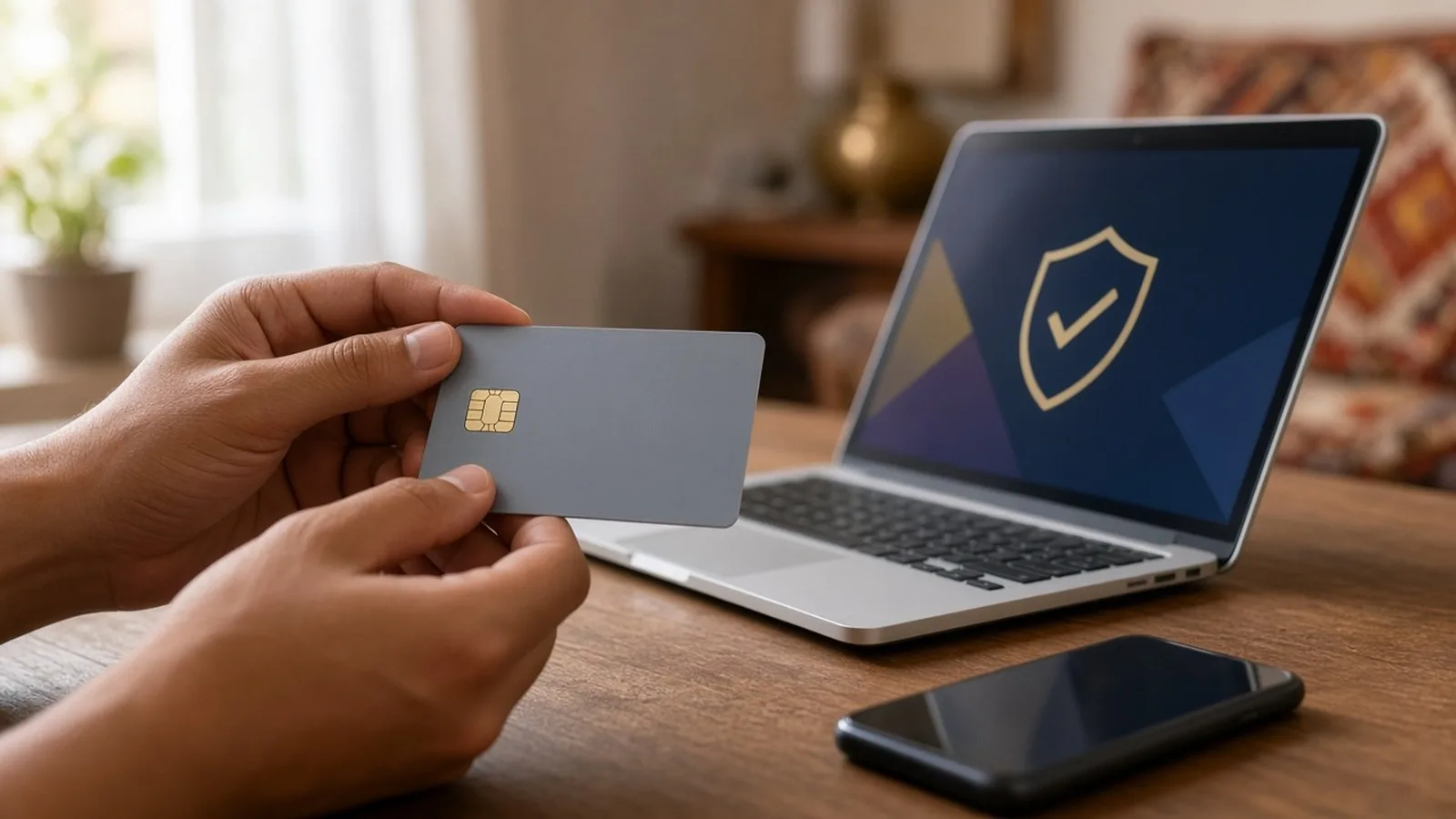
Your debit card has a few pieces of information printed on it:
- Card number: usually 16 digits on the front.
- Expiry date: month and year.
- Name of the cardholder (on most cards).
- CVV: a 3-digit security code, usually on the back.
When you pay online, the website asks for these details, and then your bank sends an OTP to your registered mobile (or asks you to approve in its app). In India, an extra step like this is generally required for online card payments, which makes card fraud harder.
Steps to pay with a card
- Check the website address is correct and you reached it yourself, not through a link in a message.
- Choose Debit card at checkout.
- Enter the card number, expiry and CVV.
- Read the OTP SMS carefully. It usually names the merchant and amount. If they do not match what you are buying, stop.
- Enter the OTP only on the payment page, then wait for the confirmation screen and SMS.
Saved cards and tokens
Websites may offer to "save your card" for next time. Under RBI rules, merchants are not supposed to store your full card number. Instead, the card is replaced by a token that works only for that merchant. You will usually need to give consent with an OTP. You can remove saved cards from the merchant's settings or, with many banks, from your bank's app.
The golden rules for cards
- Never share your CVV, PIN or OTP with anyone, by phone, SMS, WhatsApp or email. Banks do not ask for them.
- Never give your card to a stranger to "check" it, and do not let a shop employee take it out of your sight.
- Cover the keypad when entering your PIN at an ATM or shop machine.
- Do not photograph your card and store it in an easy-to-find place, or send photos of it on chat apps.
- Sign up for SMS and email alerts for every transaction.
Switching online, international and contactless use on or off
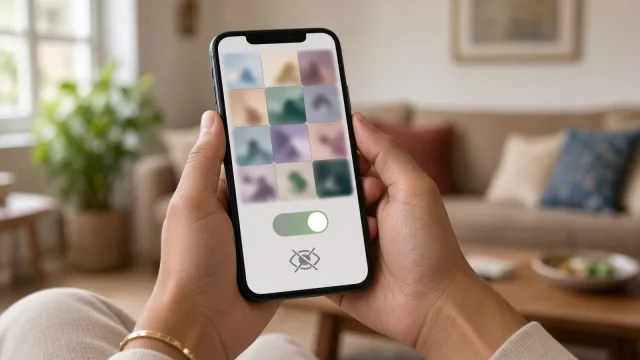
Following RBI instructions issued in 2020, new and reissued cards are generally enabled only for use at ATMs and shop machines in India by default. Online, international and contactless use must be switched on by you. Banks also have to give you a way to turn these on or off and set limits at any time.
How to change these settings
- Open your bank's mobile app or net banking.
- Look for Cards, then Manage card, Card controls or Usage settings (names vary by bank).
- Choose your debit card.
- Turn on or off: Online (e-commerce), International, Contactless (tap and pay), ATM and shop (PoS) use.
- Set a daily limit for each type if offered.
- Confirm with your PIN or OTP.
A smart habit: keep international use off unless you are travelling or buying from a foreign website, and keep the online limit low if you rarely shop online. You can also use these switches, ATM menus or the bank's phone banking (IVR) to block a lost card.
Contactless cards
Cards with the wave symbol can pay by tapping the shop machine. Small payments can go through without a PIN; for larger amounts, a PIN is needed. Check the current limit with your bank. If you do not use tap-to-pay, you can turn it off.
Net banking safely
Net banking (internet banking) lets you use your bank account through the bank's website or app: check balance, transfer money, pay bills and download statements.
Getting started
- Register through your bank's official app or website, at an ATM, or at the branch. You usually need your customer ID, account details, debit card and registered mobile number.
- Set a strong, unique login password (see Part 20) and a separate transaction password if your bank uses one.
- Add a beneficiary (payee) before sending money by NEFT, RTGS or IMPS. Many banks have a short waiting period and lower limits for new beneficiaries, as a safety step.
Stay safe
- Type your bank's address yourself or use its official app. Do not click links in SMS, email or WhatsApp claiming to be from your bank.
- Look at the domain carefully. Following an RBI direction in 2025, many Indian banks have moved their websites to addresses ending in .bank.in, which only verified banks can register. Check your bank's official address with your branch or passbook, and be suspicious of look-alike names.
- Avoid net banking on public computers at cyber cafes and on open public Wi-Fi.
- Always log out when done, rather than just closing the tab.
- Do not let your browser save your net banking password on a shared computer.
- If you get an alert about a login you did not make, change your password and call your bank.
Digital wallets
A wallet (officially a prepaid payment instrument) is an account inside an app where you load money in advance and then spend from it. Examples include wallets inside Paytm, Amazon Pay and others, as well as some transit and gift cards.
- Wallets are handy for small, frequent payments and some cashback offers.
- Wallets with only minimum KYC (basic details) have lower limits and fewer features. Full KYC wallets allow higher balances and transfers. Limits are set by RBI and can change.
- Keep only the money you need in a wallet. It is not a savings account and does not earn interest.
- Protect the wallet app with a lock, and never share the OTPs it sends.
Card, net banking, UPI or wallet: which to use?
- UPI: best for everyday payments to people and shops.
- Debit card: good for websites that do not accept UPI, and for ATM cash.
- Net banking: good for larger payments such as fees, taxes and transfers to saved beneficiaries.
- Wallet: good for small amounts and specific apps.
Whatever you use, the rules are the same: start the payment yourself, check the name and amount, and never share PINs, CVVs or OTPs.
Check your statements every month
- Download your account statement from your bank app or net banking, or read the monthly email statement.
- Look for payments you do not recognise, including small ones; fraudsters sometimes test with small amounts.
- Check for subscriptions or auto-debits you forgot about.
- Report anything suspicious to your bank immediately.
If your card or account is misused
- Block the card right away through the bank app, net banking, or the bank's official helpline.
- Report to the bank in writing (app, email or branch) and note the complaint number. Under RBI rules, if the fraud was not your fault and you report within three working days, your liability can be zero. Delays can increase your share of the loss. If you shared your OTP or PIN yourself, you may have to bear the loss until you report it, so do not wait.
- Call 1930 or report at cybercrime.gov.in.
- Change your net banking password and check your registered email and mobile number have not been changed.
Frequently asked questions
Is it safe to give my card details on a website?
On a genuine website you reached yourself, with the OTP step, it is generally safe. Avoid unfamiliar sites with offers that seem too good to be true. Our guide to common online scams in India shows the warning signs of fake shopping sites.
Will the bank ever call to ask for my CVV or OTP?
No. Any caller asking for your CVV, PIN or OTP is a fraudster, even if they know your name and card number.
Why did my card not work on a foreign website?
International use is probably switched off. Turn it on in your bank app for that purchase, and turn it off again afterwards.
What is next
Try this today: open your bank app, find the card controls, and switch off international and contactless use if you do not need them. In the next part of Tech for Beginners, Part 25, we will look at common online scams in India and how to spot them.