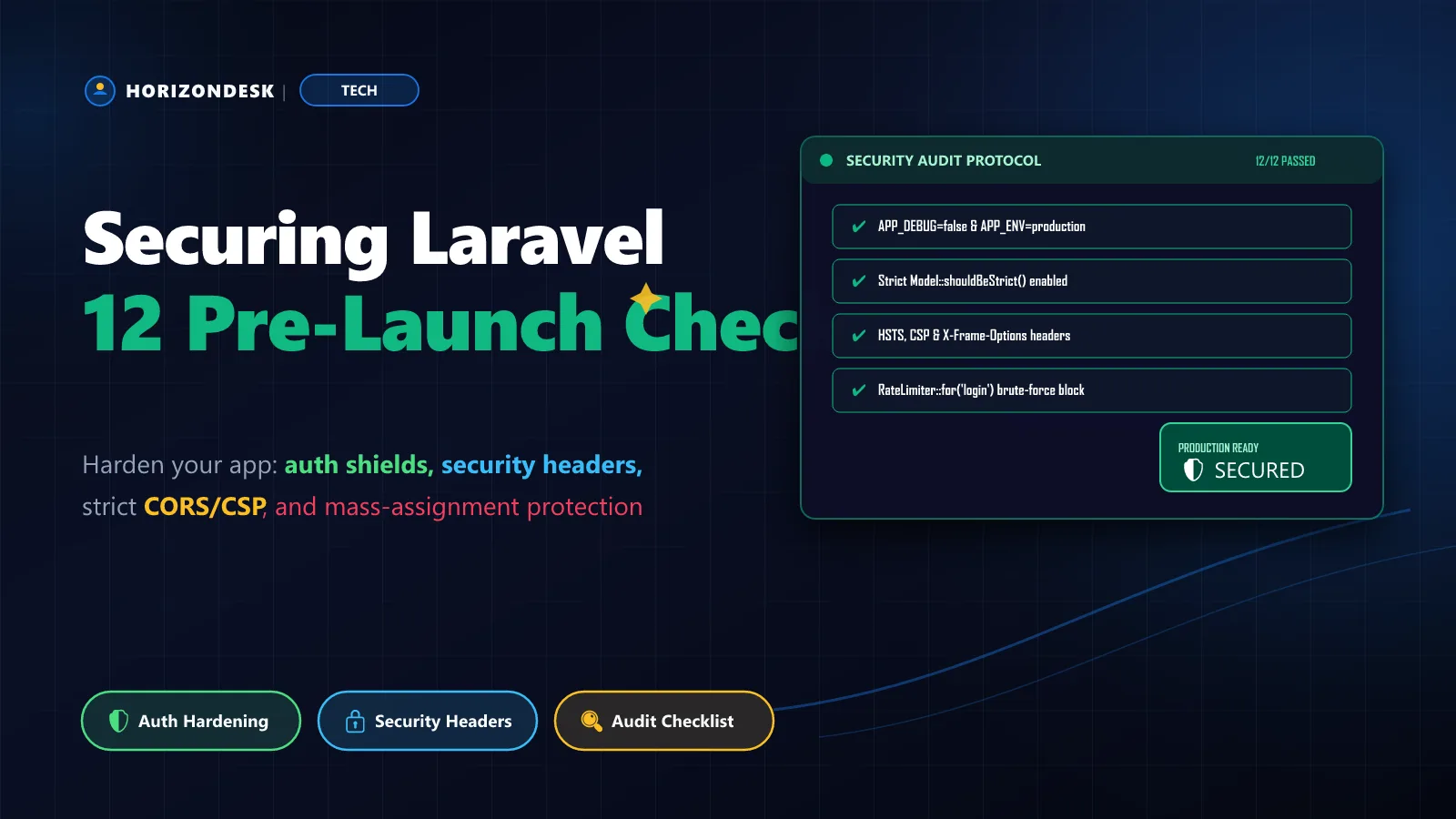
Laravel gives you strong defaults: CSRF protection, hashed passwords, escaped Blade output and parameter binding in Eloquent. Most breaches don't defeat those defaults — they happened because someone switched one off, or never configured production properly. Before any app goes live, I walk through these twelve checks. None takes more than half an hour.
Configuration and secrets
1. Debug mode is off
With APP_DEBUG=true, an exception page can reveal environment variables, database credentials and file paths to anyone who triggers an error. This is the single most common production mistake.
2. Secrets stay out of Git
Confirm .env is in .gitignore and search your history for leaked keys. Each environment needs its own APP_KEY; it encrypts cookies and anything you encrypt with Crypt, so rotating it logs everyone out.
3. HTTPS everywhere, with secure cookies
Terminate TLS, redirect HTTP to HTTPS at the web server, and tell Laravel to mark cookies secure:
APP_ENV=production
APP_DEBUG=false
APP_URL=https://horizondesk.blog

SESSION_SECURE_COOKIE=true
SESSION_HTTP_ONLY=true
SESSION_SAME_SITE=lax
SESSION_ENCRYPT=true
Also make sure your web server's document root is the public/ directory, not the project root. If https://yoursite.com/.env returns anything other than a 404, stop and fix it now.
Authentication and authorization
4. Login and password reset are rate limited
The starter kits throttle login attempts, but custom auth often doesn't. Key the limit on both email and IP, so one attacker can't lock out a real user and a botnet can't spray a single account:
RateLimiter::for('login', function (Request $request) {
    return Limit::perMinute(5)->by(
        Str::lower((string) $request->input('email')).'|'.$request->ip()
    );
});

// routes/web.php
Route::post('/login', [AuthenticatedSessionController::class, 'store'])
    ->middleware('throttle:login');
5. Every write action checks authorization
Authentication tells you who someone is; authorization decides what they may touch. Insecure direct object references — editing /posts/42 by changing the ID to 43 — are still common. Since Laravel 11 the base controller no longer includes the authorize() helper, so use Gate::authorize() with a policy:
public function update(UpdatePostRequest $request, Post $post): RedirectResponse
{
    Gate::authorize('update', $post);

    $post->update($request->validated());

    return to_route('posts.show', $post)->with('status', 'Post updated.');
}
6. Passwords and sessions behave correctly
Use Hash::make() (never your own scheme), regenerate the session on login, invalidate it on logout, and require the current password before changing email or password.
Handling input safely
7. Mass assignment is locked down
Define $fillable on every model and pass $request->validated(), not $request->all(). Otherwise a crafted form field like is_admin=1 can slip straight into the database.
8. No user input inside raw SQL
Eloquent binds values safely, but column names and sort directions can't be bound. Whitelist them:
$sort = in_array($request->query('sort'), ['title', 'published_at'], true)
    ? $request->query('sort')
    : 'published_at';

$direction = $request->query('dir') === 'asc' ? 'asc' : 'desc';

$posts = Post::orderBy($sort, $direction)->paginate(20);

// Raw queries: always use bindings, never string interpolation
$rows = DB::select('select id, title from posts where author_id = ?', [$authorId]);
9. Output is escaped
Blade's {{ }} escapes output; {!! !!} doesn't. Search your views for every {!! and make sure the content was sanitized with a library like HTMLPurifier when it was saved.
Files, headers and dependencies
10. Uploads are validated and stored safely
Validate type and size, let Laravel generate the filename, and never trust the client's extension. Recent Laravel versions exclude SVG from the image rule by default — keep it that way unless you sanitize SVGs, since they can contain scripts.
11. Security headers are set
A small middleware covers the essentials:
class SecurityHeaders
{
    public function handle(Request $request, Closure $next): Response
    {
        $response = $next($request);

        $response->headers->set('X-Content-Type-Options', 'nosniff');
        $response->headers->set('X-Frame-Options', 'SAMEORIGIN');
        $response->headers->set('Referrer-Policy', 'strict-origin-when-cross-origin');
        $response->headers->set('Permissions-Policy', 'camera=(), microphone=(), geolocation=()');
        $response->headers->set('Strict-Transport-Security', 'max-age=31536000; includeSubDomains');

        return $response;
    }
}

// bootstrap/app.php
->withMiddleware(function (Middleware $middleware): void {
    $middleware->web(append: [SecurityHeaders::class]);
})12. Dependencies are audited and production is optimized
composer audit
npm audit --omit=dev

composer install --no-dev --optimize-autoloader
php artisan optimize
Laravel's defaults are secure. Most incidents start with a default someone turned off.
Make it a habit
Put this list in your deployment runbook and repeat it before every major release, not just the first launch. Schedule composer audit in CI, review new routes for missing policies in code review, and set up log alerts for spikes in 403 and 429 responses. Security isn't a feature you finish; it's a checklist you keep running.