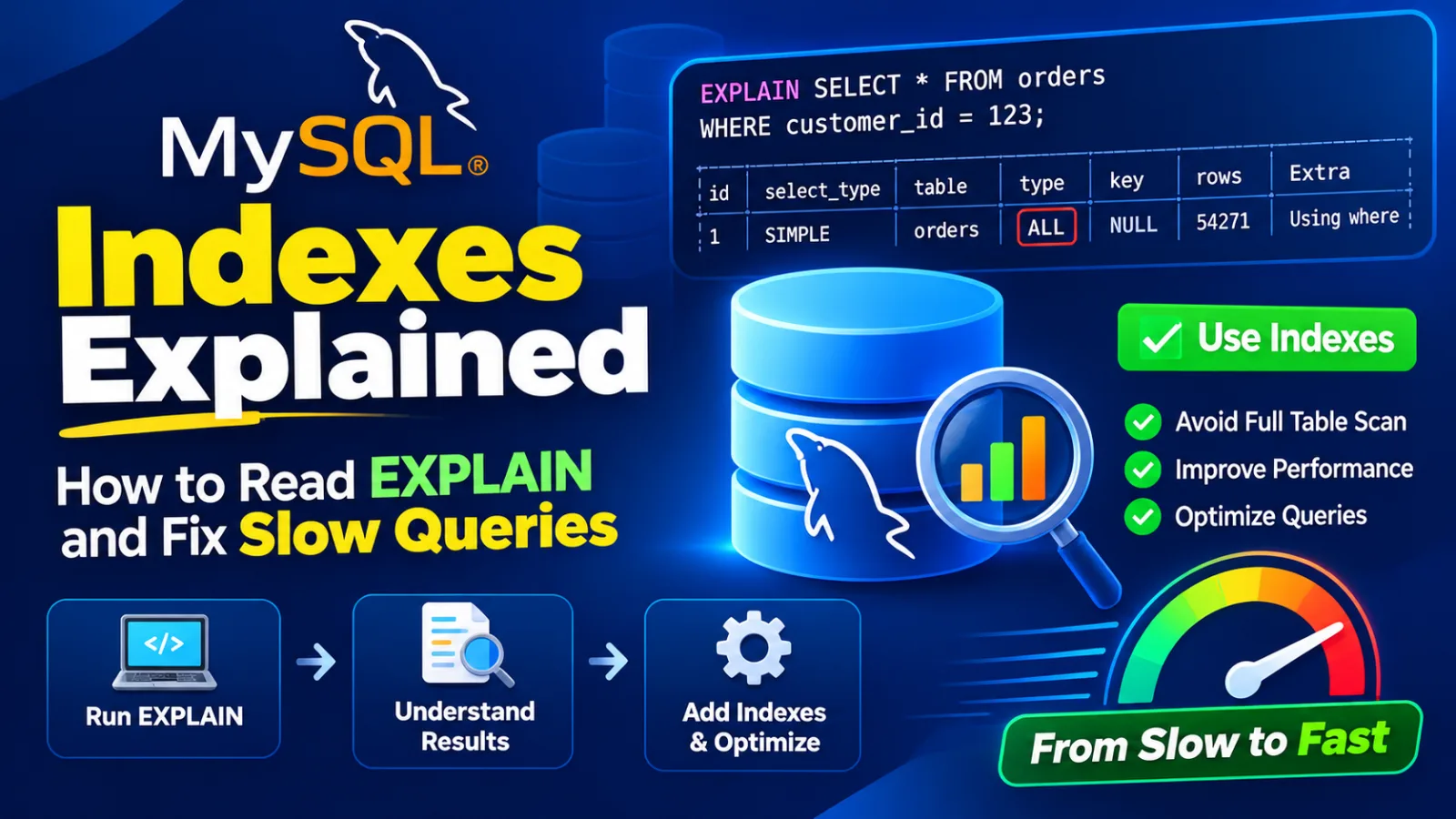
When a page is slow, developers often reach for caching first. Caching helps, but it hides the problem rather than fixing it. In my experience the majority of slow queries come down to one thing: the database is reading far more rows than it needs to, because no index matches the way the query filters and sorts. The good news is that MySQL will tell you exactly what it's doing — if you know how to read EXPLAIN.
What an index actually does
InnoDB stores indexes as B-trees: sorted structures that let MySQL jump to a value in a few steps instead of scanning every row. Think of a phone book sorted by surname, then first name. Finding "Nair, Kavya" is instant. Finding everyone whose first name is Kavya means reading the whole book, because the book isn't sorted that way.
That analogy explains most index behaviour. An index helps when your query can use its sort order from the left. It's useless when you skip the leading column.
Reading EXPLAIN
Prefix any SELECT with EXPLAIN to see the plan without running the query. Here's a typical "recent orders for a customer" query on a table with about a million rows:
EXPLAIN
SELECT id, total, created_at
FROM orders
WHERE customer_id = 42
  AND status = 'paid'
ORDER BY created_at DESC
LIMIT 10;
type: ALL possible_keys: NULL key: NULL
rows: 1184320 filtered: 1.00
Extra: Using where; Using filesortThat output is a red flag on every line. These are the columns worth learning first:
| Column | What it tells you | Good sign | Bad sign |
|---|---|---|---|
type | How rows are accessed | const, eq_ref, ref, range | ALL (full scan), index (full index scan) |
key | The index actually chosen | The one you designed | NULL |
rows | Estimated rows examined | Close to the rows returned | Orders of magnitude more |
Extra | Additional work | Using index (covering) | Using filesort, Using temporary |
Composite indexes and the leftmost prefix
A composite index on (a, b, c) can serve queries that filter on a, on a and b, or on all three. It can't help a query that filters only on b. The rule of thumb for ordering columns:
- Columns compared with equality (
=,IN) first. - Then the column used for sorting or a range (
>,BETWEEN). - Only one range column can be used efficiently; anything after it won't narrow the search.
For our query that means (customer_id, status, created_at). In a Laravel migration:
Schema::table('orders', function (Blueprint $table) {
    $table->index(['customer_id', 'status', 'created_at'], 'idx_orders_customer_status_created');
});
Run EXPLAIN again and the plan changes completely:
type: ref   key: idx_orders_customer_status_created
rows: 37    filtered: 100.00
Extra: Backward index scan
MySQL jumps straight to customer 42's paid orders, which are already sorted by date in the index, reads them backwards for DESC and stops after ten. The filesort is gone.
Queries that silently skip your index
Having the right index isn't enough if the query is written in a way that prevents MySQL from using it:
- Functions on the column.
WHERE DATE(created_at) = '2026-10-01'can't use an index oncreated_at. Rewrite it as a range:created_at >= '2026-10-01' AND created_at < '2026-10-02'. - Leading wildcards.
LIKE '%son'can't use a B-tree.LIKE 'son%'can. For real text search, use a full-text index. - Type mismatches. Comparing a
VARCHARphone column to a number forces a conversion on every row. Quote the value. - OR across different columns. Sometimes better rewritten as a
UNIONof two indexed queries.
(customer_id) is redundant once you have (customer_id, status, created_at); the sys.schema_redundant_indexes view will point these out.Verify with EXPLAIN ANALYZE
EXPLAIN shows estimates. EXPLAIN ANALYZE actually runs the query and reports real timings and row counts for each step, which is how you prove a fix worked:
-> Limit: 10 row(s)  (actual time=0.081..0.094 rows=10 loops=1)
    -> Index lookup on orders using idx_orders_customer_status_created
       (customer_id=42, status='paid') (reverse)  (actual time=0.079..0.091 rows=10 loops=1)
Before dropping an index you think is unused, make it invisible first. The optimizer ignores it, but it's still maintained, so you can switch it back instantly if something slows down:
ALTER TABLE orders ALTER INDEX idx_orders_status INVISIBLE;

-- A week later, if nothing regressed:
DROP INDEX idx_orders_status ON orders;
Design indexes for the queries you actually run, not for the columns you happen to have.
Make EXPLAIN part of code review for any new query on a large table. Ten seconds of reading a plan saves hours of firefighting after launch.