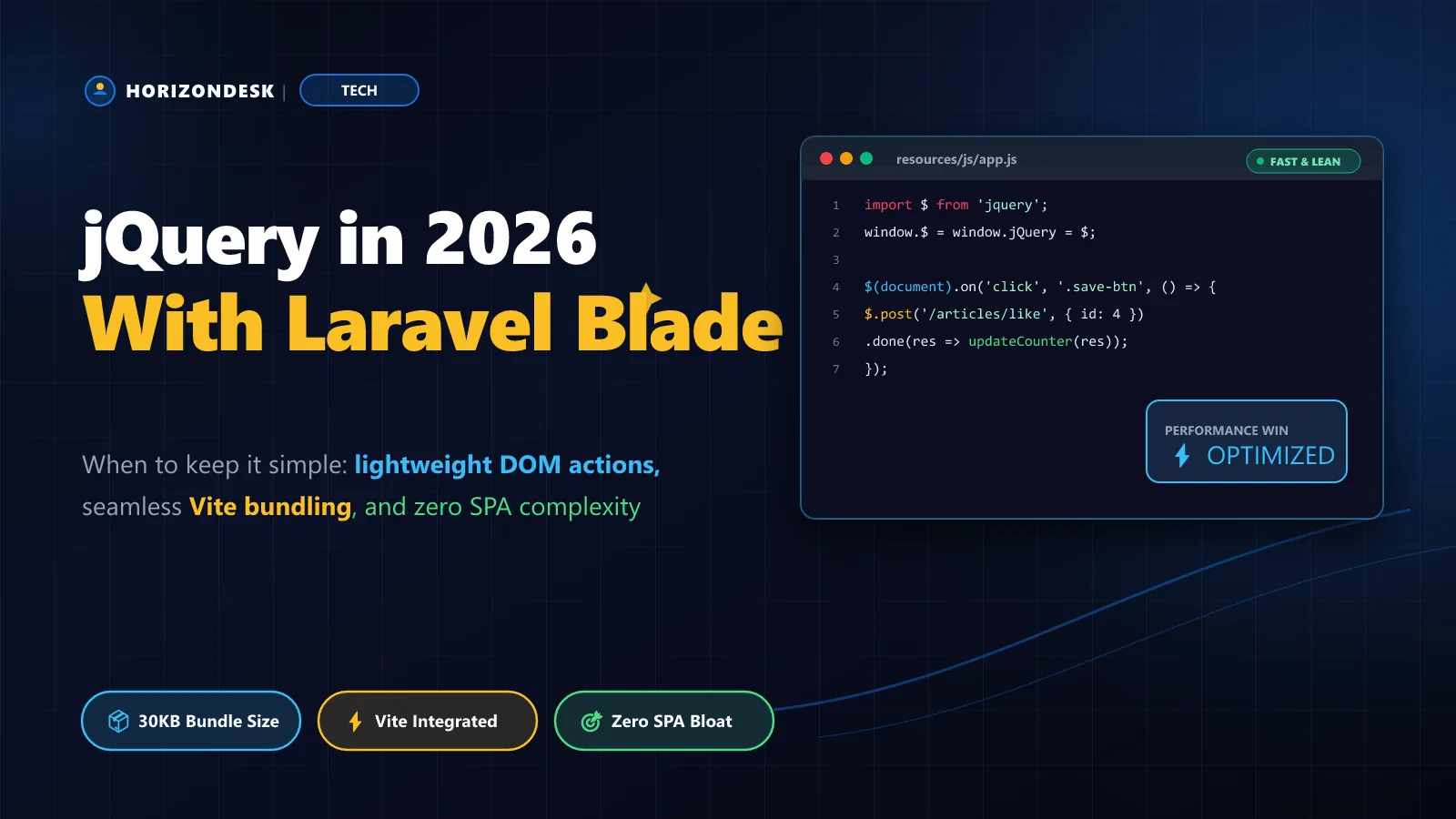
Every few months someone tells me jQuery is dead. Meanwhile it still powers a large share of the web, it reached version 4 with a leaner core, and I keep shipping it on Laravel projects where the HTML comes from Blade and the JavaScript's job is to add a few interactions on top. The question was never "is jQuery modern?" It's "what does this page actually need?"
The case for boring tools
Most content sites, admin panels and dashboards are server-rendered. Blade outputs the markup, and JavaScript adds small behaviours: a bookmark button, a live search box, a confirm dialog, a "load more" link. For that kind of work jQuery has real advantages:
- No build-time state model. The DOM is the state. There's nothing to hydrate and nothing to keep in sync.
- Concise DOM and AJAX helpers that the whole team can read, including backend developers who rarely touch JavaScript.
- Plugin ecosystem for date pickers, select boxes and sortable lists that still works and is battle-tested.
- Progressive enhancement by default — if the script fails, the Blade page still renders.
Where it falls down is complex client-side state: multi-step forms with live validation, drag-and-drop editors, anything where the same data appears in several places on screen. Hand-syncing the DOM in those cases gets painful quickly.
Setting up jQuery with Vite
Install it from npm rather than a CDN so Vite bundles and versions it alongside your other assets:
npm install jquery
npm run dev
Then import it in each module that uses it. Resist the urge to rely on a global:
import $ from 'jquery';

// Only needed for legacy plugins that expect a global jQuery
window.$ = window.jQuery = $;

import './bookmarks';./bookmarks runs before the window.$ assignment above. That's why every module should import $ from 'jquery' itself instead of assuming the global exists.CSRF-safe AJAX with Laravel
Laravel protects every POST, PUT and DELETE route with a CSRF token. Put the token in a meta tag in your layout, and render the button with everything the script needs as data attributes:
<meta name="csrf-token" content="{{ csrf_token() }}">

<button type="button"
        class="js-bookmark"
        data-url="{{ route('articles.bookmark', $article) }}"
        aria-pressed="{{ $isBookmarked ? 'true' : 'false' }}">
    Save <span class="js-count">{{ $article->bookmarks_count }}</span>
</button>
The route toggles the bookmark and returns JSON. toggle() on a many-to-many relationship returns the IDs it attached and detached, which tells us the new state:
class BookmarkController extends Controller
{
    public function __invoke(Request $request, Article $article): JsonResponse
    {
        $result = $request->user()->bookmarks()->toggle($article->id);

        return response()->json([
            'bookmarked' => count($result['attached']) > 0,
            'count'      => $article->bookmarkedBy()->count(),
        ]);
    }
}
Finally the script. Event delegation on document means buttons added later by "load more" work automatically, and every value from the server goes in via .text(), never as HTML:
import $ from 'jquery';

$.ajaxSetup({
  headers: { 'X-CSRF-TOKEN': $('meta[name="csrf-token"]').attr('content') },
});

$(document).on('click', '.js-bookmark', function () {
  const $btn = $(this);

  $btn.prop('disabled', true);

  $.post($btn.data('url'))
    .done(({ bookmarked, count }) => {
      $btn.toggleClass('is-active', bookmarked)
          .attr('aria-pressed', String(bookmarked));
      $btn.find('.js-count').text(count);
    })
    .fail(() => {
      $('#flash').text('Could not save your bookmark. Please try again.').show();
    })
    .always(() => $btn.prop('disabled', false));
});
Writing jQuery that ages well
- Prefix behaviour hooks with
js-so designers can rename styling classes without breaking scripts. - Delegate events from a stable parent instead of binding to elements that may be replaced.
- Use native features where they're simpler:
String.prototype.trim(),Array.isArray()and template literals. jQuery 4 removed several long-deprecated helpers such as$.trim()and$.isArray(), so code written this way upgrades cleanly. - Keep modules small — one file per behaviour, imported from
app.js.
When to reach for something else
| Tool | Best for | Watch out for |
|---|---|---|
| jQuery | Small behaviours on Blade pages, legacy plugins | Complex shared state |
| Alpine.js | Declarative toggles, dropdowns, tabs inside markup | Large logic blocks in HTML attributes |
| Livewire | Interactive forms and tables written in PHP | Server round-trips on every interaction |
| Vue / React (Inertia) | App-like interfaces with rich client state | Build complexity, a second mental model |
Choose the smallest tool that makes the page work well, then stop.
jQuery isn't a statement about being behind the times. On a server-rendered Laravel site it's often the most direct route from "this button should do something" to shipped — and that's exactly what it was built for.